Auto_commenti_tiktok
A TikTok live assistant — comments at an irregular pace, crossfaded music and an OBS overlay, with a Stop button that really works.
The problem
Long live streams need the chat and the music kept alive while you do other things. A badly built bot is worse than nothing, though: it comments in the wrong tab, keeps pushing at a captcha, clicks blindly on a changed page and ends up following accounts or opening paid gifts.
The solution
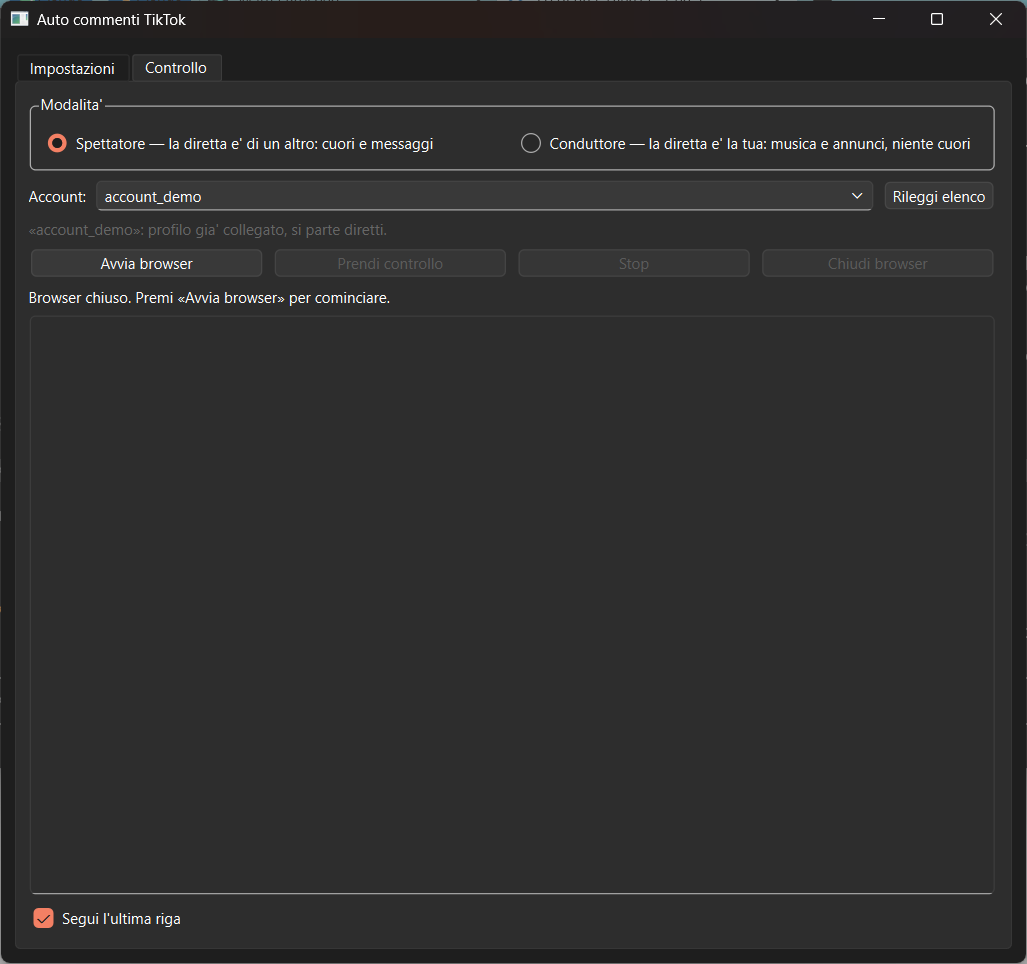
- The program doesn’t navigate: the user brings the browser to the live stream and hands over control, so it always works on the right tab.
- Comments and hearts at an irregular pace, with an hourly cap that announces itself instead of silently skipping.
- It stops by itself at the first obstacle (captcha, dropped session) or after three failed actions in a row.
- Music live streams: two crossfading VLC players, an OBS overlay and track announcements in chat.
How it’s built
- A selector that can’t be found never turns into a click at fixed coordinates: that’s the rule that prevents expensive mistakes.
- The browser engine lives in its own thread, separate from the UI, because Playwright binds its objects to the thread that created them.
- The playlist goes through a file on disk: if it’s missing or malformed, the whole library plays instead of refusing to start with the stream already open.
- The browser is always visible, with a dedicated profile and a manual login.
Screenshots