Scansia
An Android document scanner built for "scan and send". No account, no cloud.
The problem
Most of the time you scan a document to send it to someone right away: a bill, a form, a receipt. Scanner apps, though, are built around the archive, ask for an account and upload everything to a cloud.
The solution
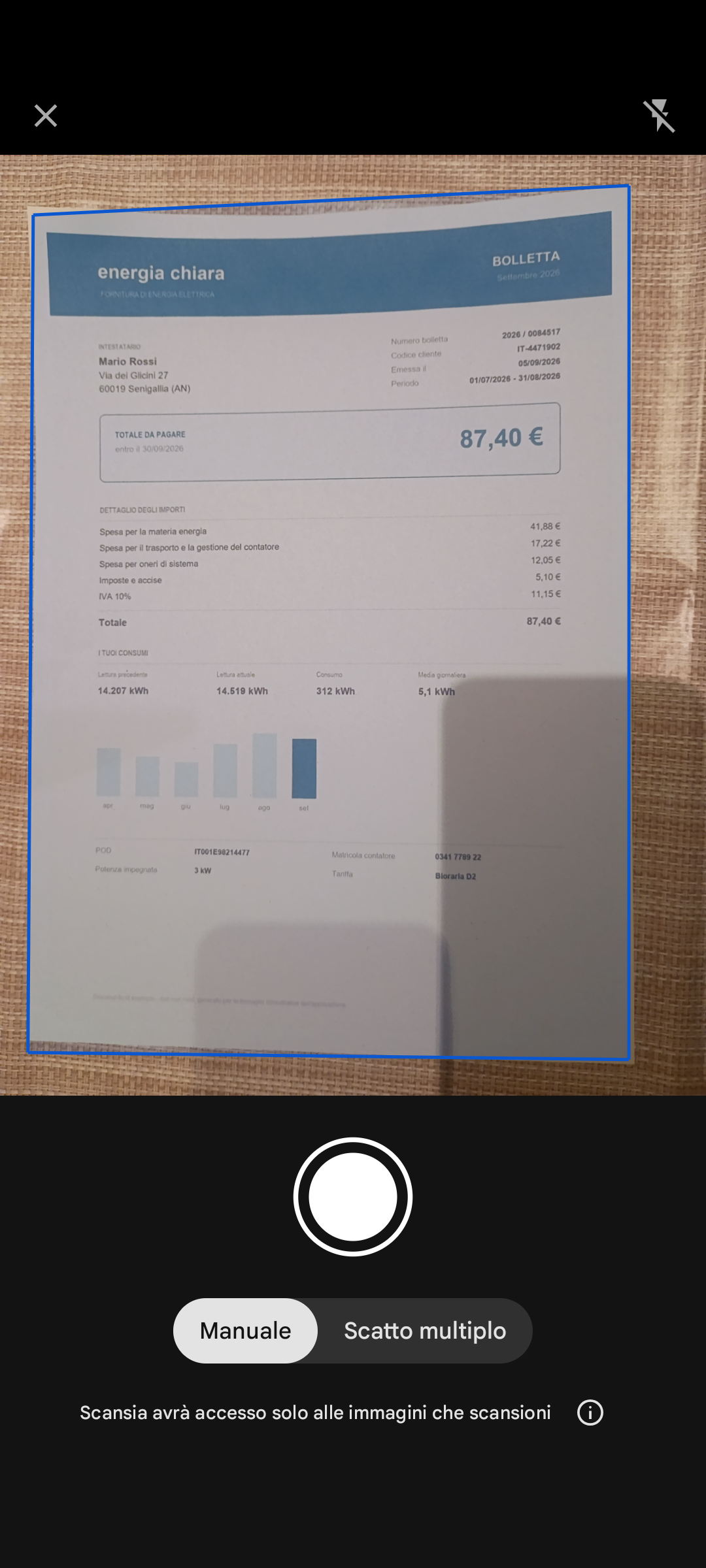
- Scan and send: the PDF starts building as soon as the pages exist, so it’s ready when you tap Share.
- In the list, swiping a row shares instead of deleting: sharing shouldn’t take four taps.
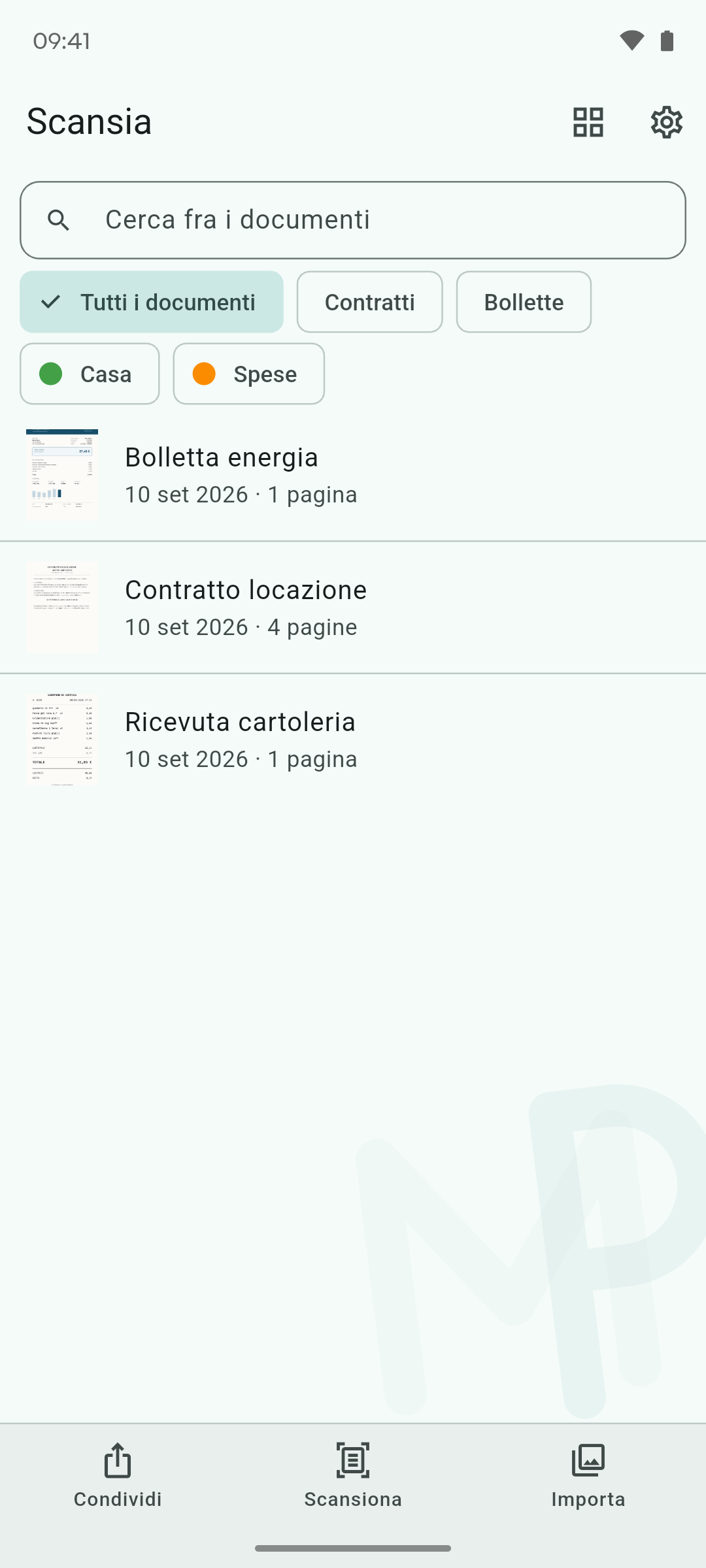
- Archive with folders, colour tags and search; import from photos with page review.
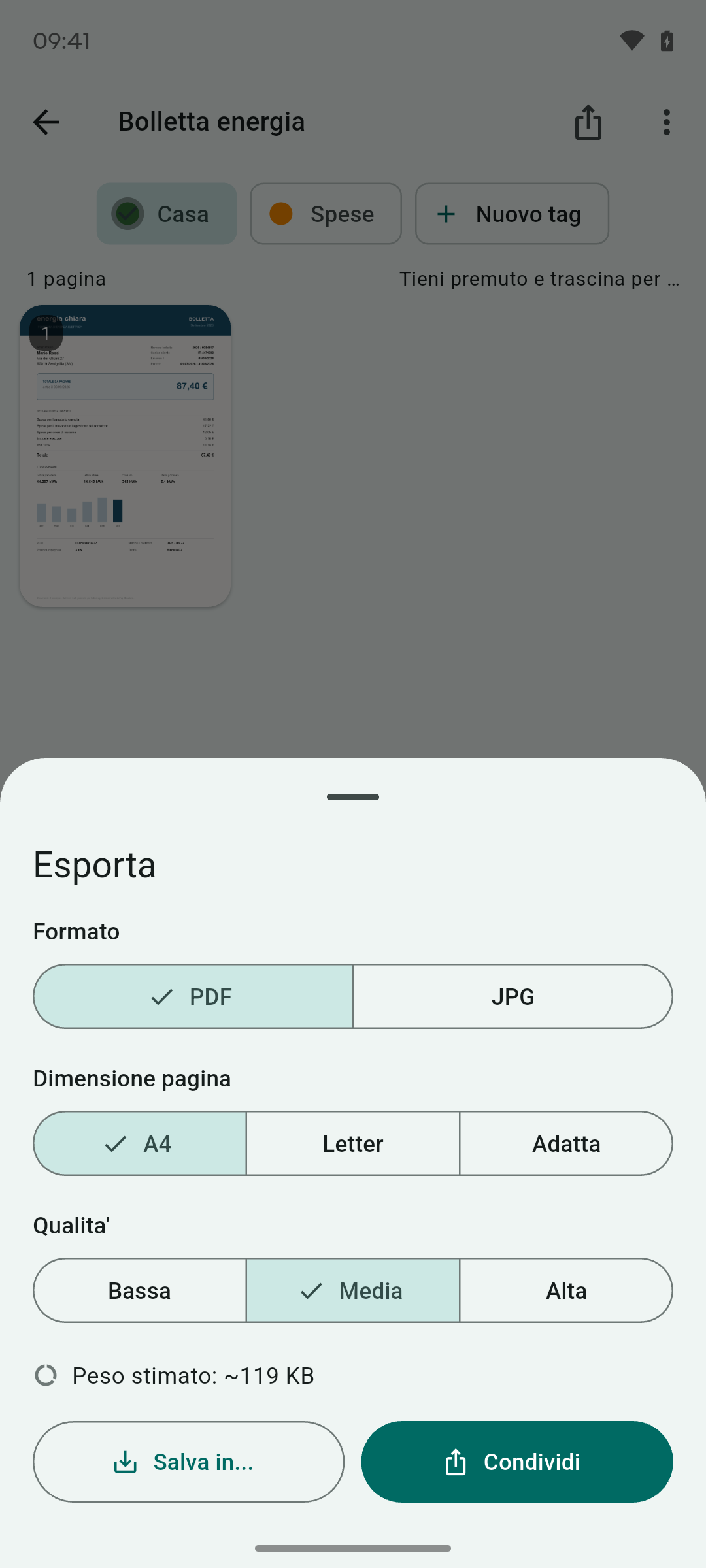
- Export to PDF or JPG, A4/Letter, three quality levels, with the file size estimated before generating it.
- Fingerprint lock, everything on the phone.
How it’s built
- The original photo is never overwritten: every edit starts again from it, so ten edits aren’t ten compressions stacked on top of each other.
- The crop lives as a “recipe” in the database, not only in the pixels: a wrong automatic crop can always be fixed.
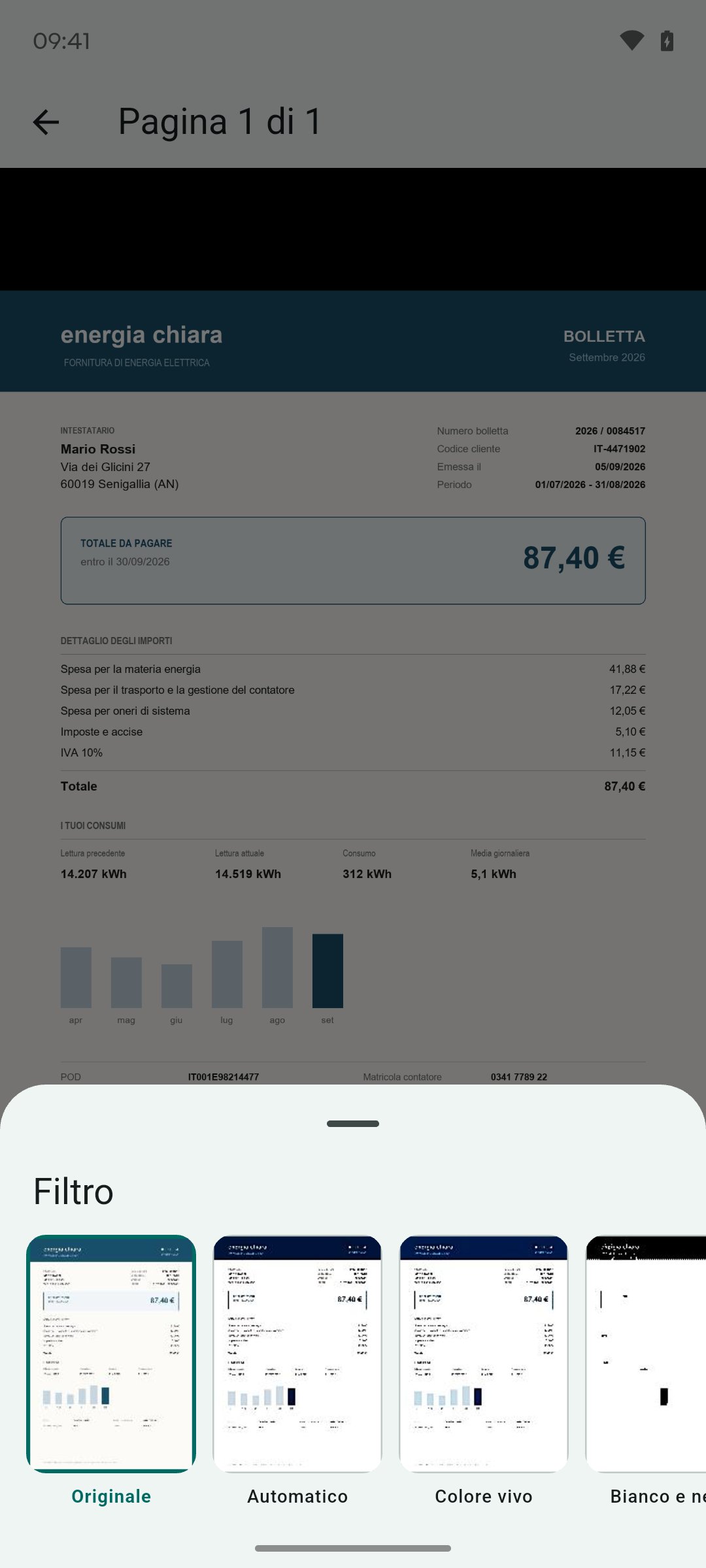
- The filter is chosen by measuring the page on the original: on a photo of an object, the “document” filter would destroy it without anyone noticing.
- ML Kit runs locally and the app works without internet permission, verified on a real phone.
Screenshots