FreeIAllM
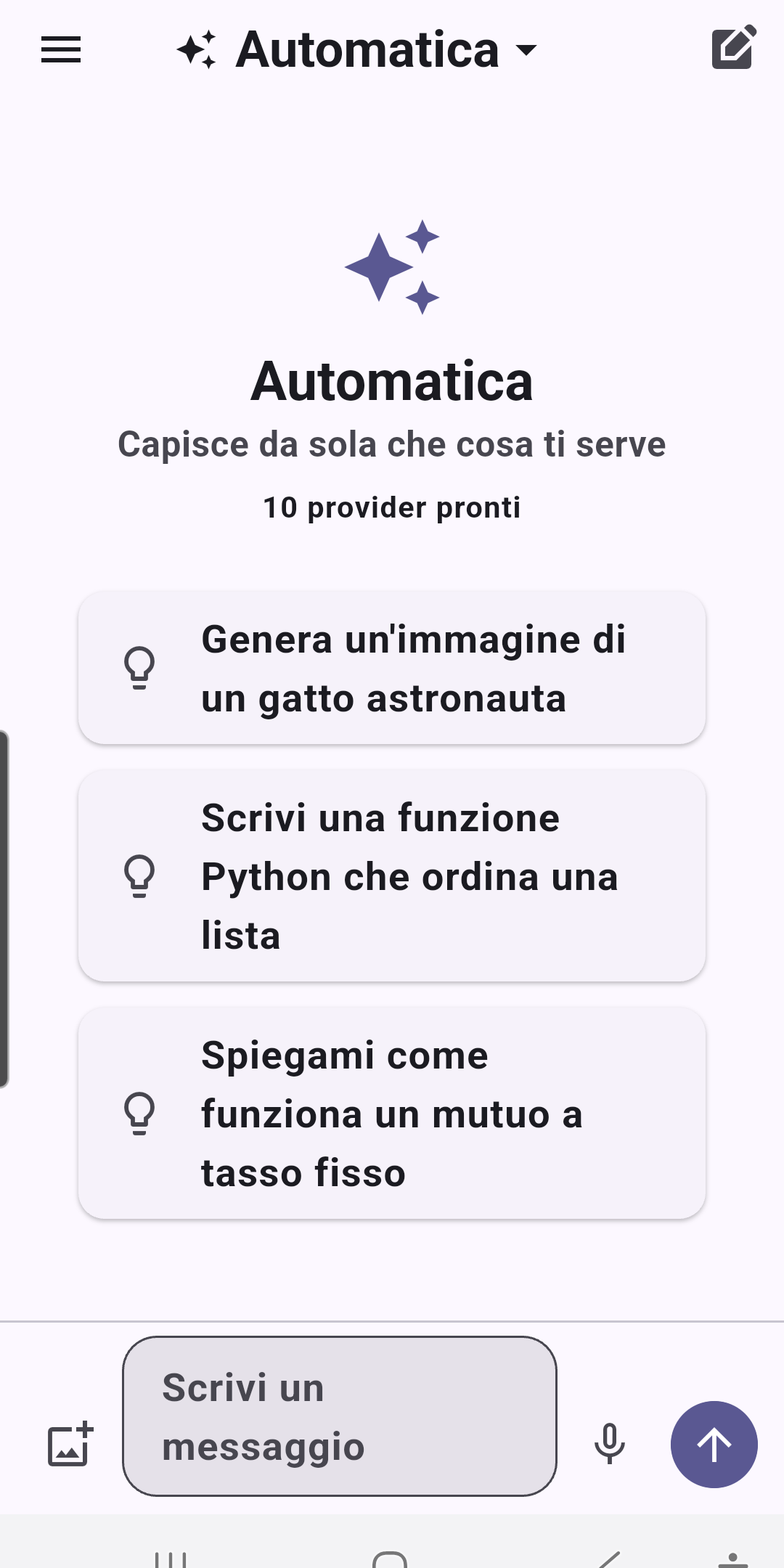
Chat with free AI models; when one hits its limit, the app moves on to the next by itself. All on your phone.
The problem
Plenty of AI models have a free tier, but each comes with its own per-minute or per-day limits. Hopping between services by hand is tedious, and the tools that do it automatically run on a server or on a PC that has to stay on.
The solution
- Install the app, paste the providers’ free keys and chat: no server, no PC.
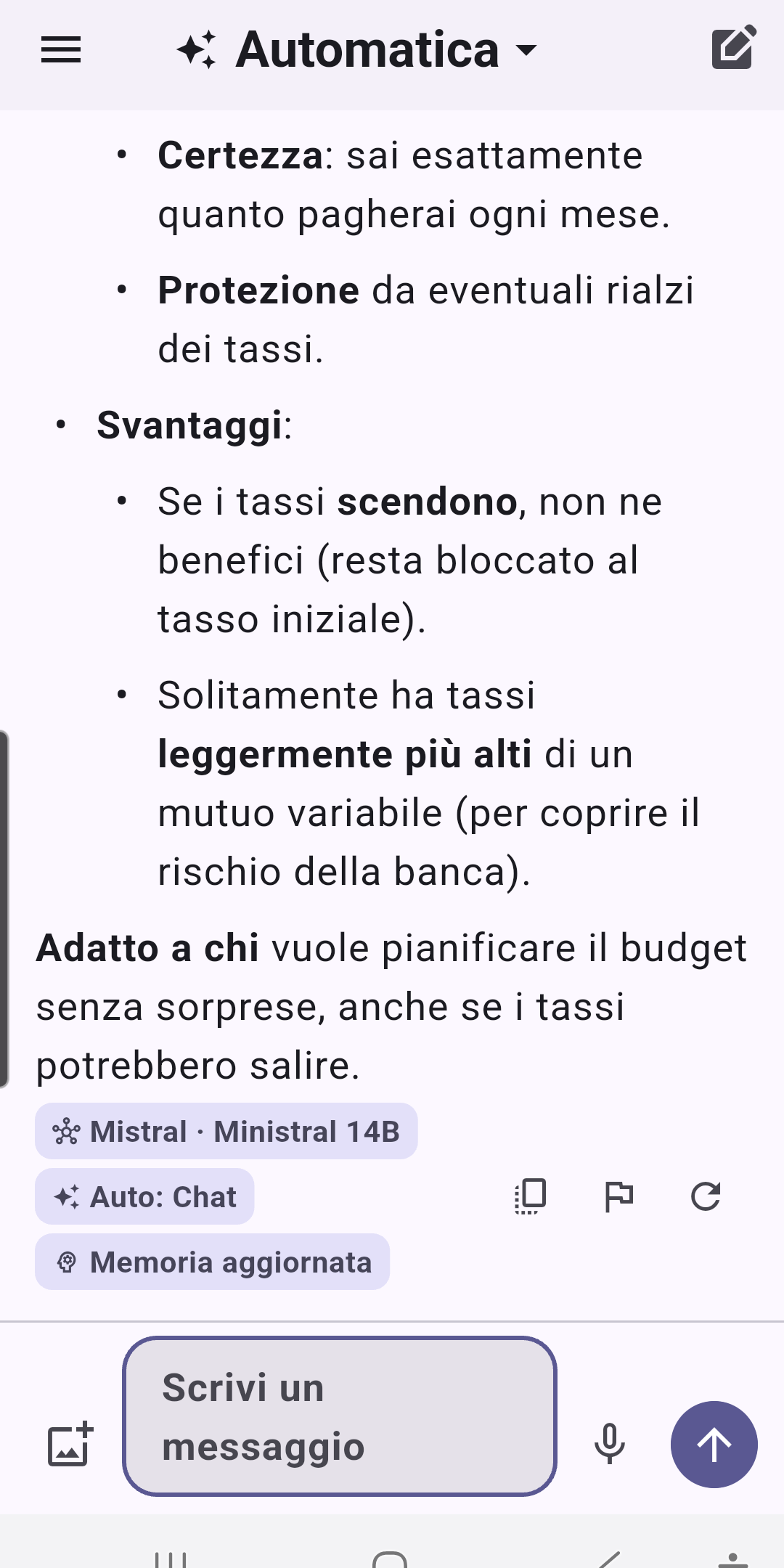
- When a model hits its limit, the app moves to the next one by itself — the user never sees the error.
- It answers on first launch, thanks to providers that need no key.
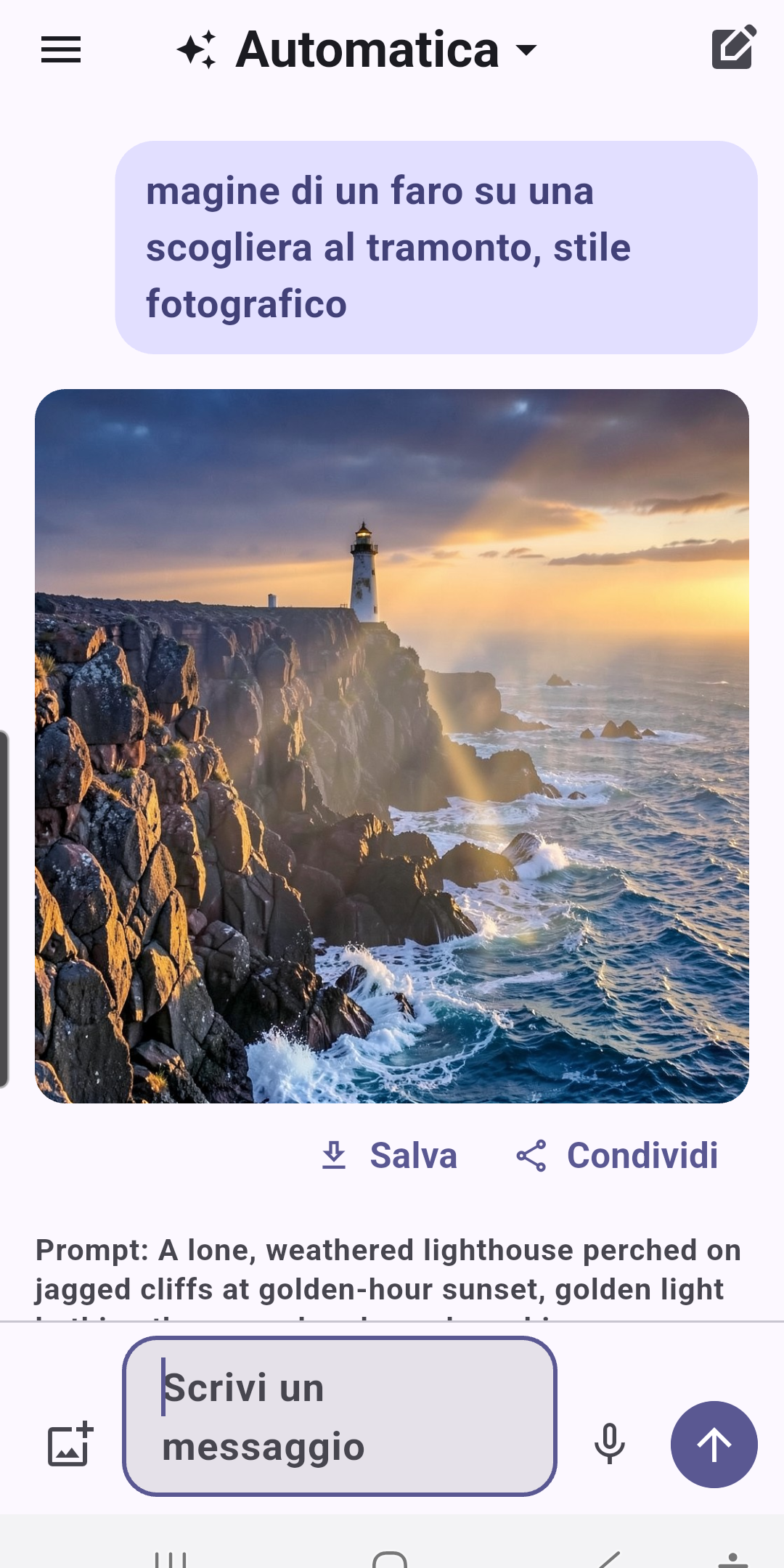
- Automatic mode: it understands whether you’re asking for code, an image or a translation and picks the model; if the request is vague, it suggests a better prompt.
- Voice dictation, “Share with FreeIAllM” and “Ask FreeIAllM” on selected text in any app.
How it’s built
- The router is pure Dart, no Flutter, and sees the network only through two interfaces: tests drive it with a fake network and a fake clock, and the same code runs from the PC with real keys.
- Each model’s score is deterministic (reliability, speed, quality, remaining quota), so tests are repeatable. A “too many requests” doesn’t count as unreliability: it’s just quota running out.
- Until the first token, any error silently falls through to the next candidate; after that the answer is committed, and an error closes it with a Regenerate button.
- Keys live in the Android Keystore; the database only holds the last four digits.
Screenshots